Document Wallet
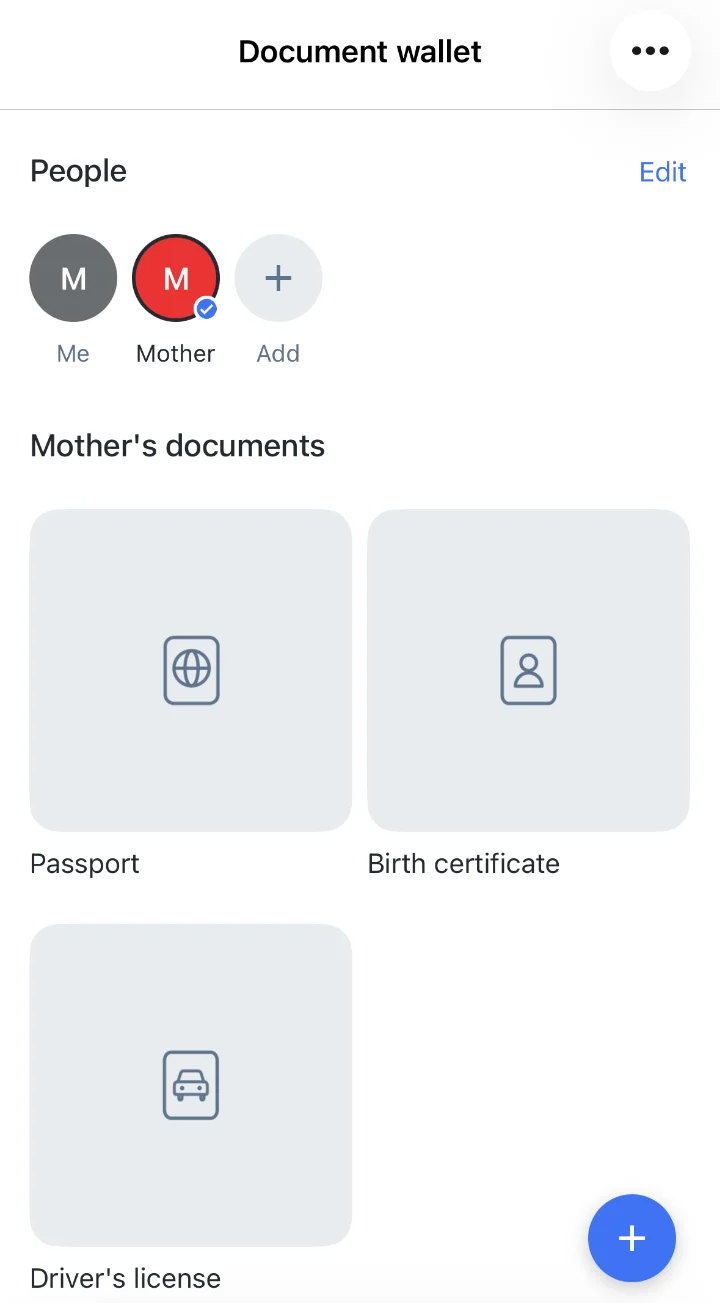
Document Wallet gives your users a separate, protected place for any personal documents, so they always have them at hand.
Document Wallet is available in Cloudike branded apps for iOS, Android and Web. The document scanner works in the mobile apps.
Organize documents
- Ready-made document types for passports, driver's licenses and insurance
- Custom document types: users add their own types for any other documents
- People: keep the documents of family members separately, each person with a name and a color
- Upload documents in PDF, JPEG, PNG, BMP and HEIC formats
- Scan paper documents with the phone camera right into the wallet — see Files
- View documents full screen, download and delete them
Security
- Encrypted on the device. Documents are encrypted with AES on the user's device and decrypted only there.
- Wallet password. Users set a password of 4 to 64 characters when they create the wallet, or let the app generate a strong one. In the mobile apps, the wallet can also be unlocked with biometrics.
- Only the user holds the password. Cloudike doesn't store the wallet password, so if a user forgets it, the wallet can't be restored.
- Auto-lock. The wallet asks for the password the first time it is opened in a session and locks again after 10 minutes without activity.
These features are available in Cloudike branded apps. To add Document Wallet to your own app, see the Document Wallet SDK for iOS and Android.