Family Cloud
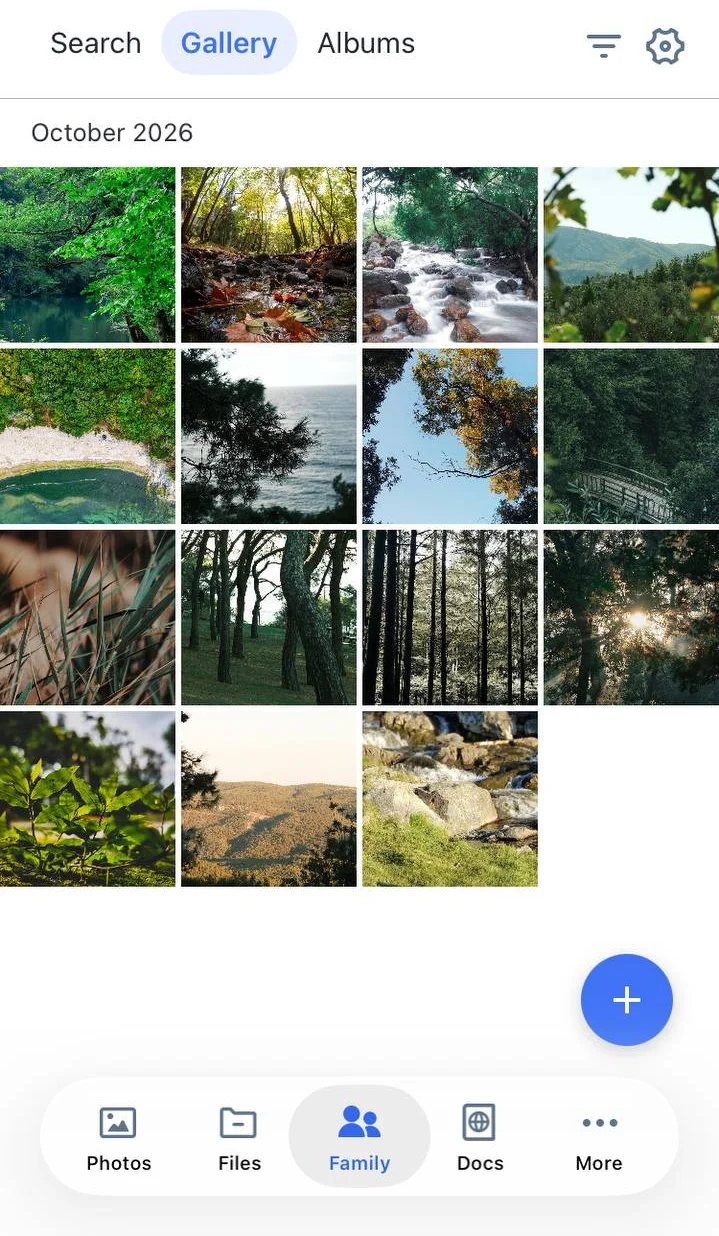
Family Cloud lets your users create a shared space for their family. Everyone in the family adds photos to a common gallery and albums, so family memories are kept in one place.
Family Cloud is available in Cloudike branded apps for iOS, Android and Web.
Get started
- Create a Family Cloud in one step: it is created as soon as the user adds the first photos or invites someone.
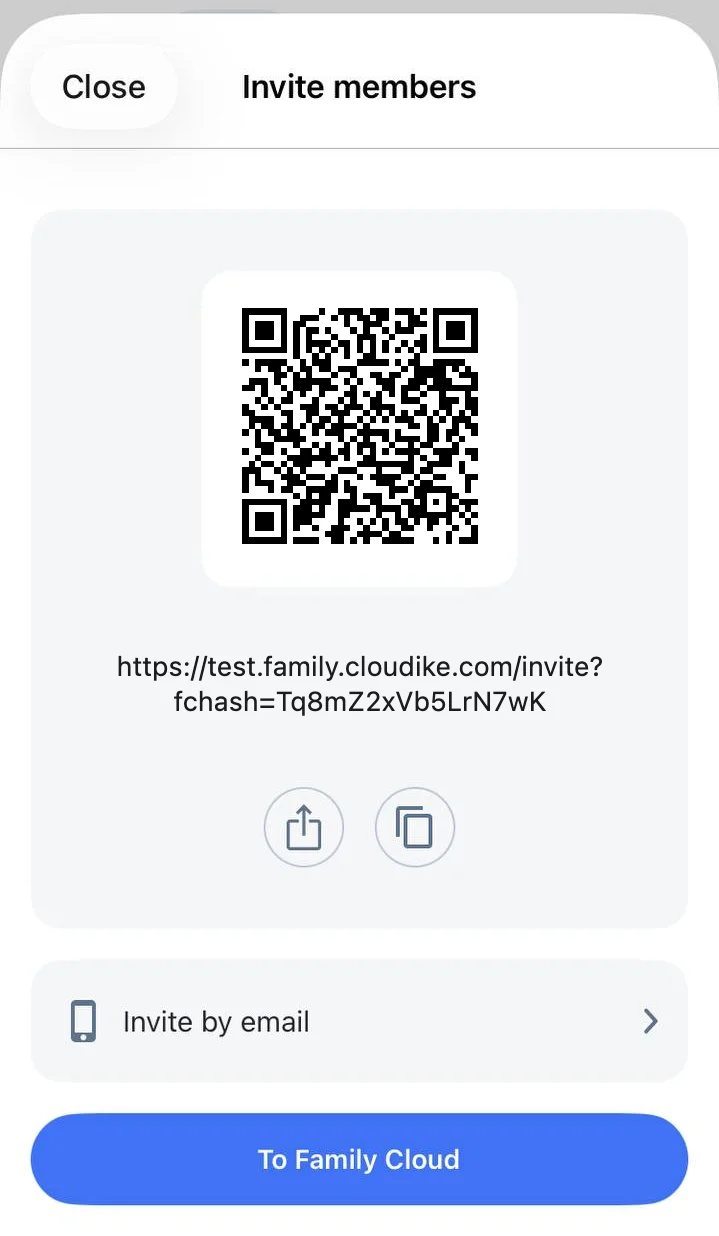
- Invite the family with a link, a QR code, or an invitation sent by email or SMS — up to 50 people at once. Whether invitations go by email or SMS depends on how your users sign in to your apps.
- Join from any device. If the app is installed, the invitation link opens it. If not, the invitation opens in the browser.
Share photos with the family
- Family gallery: add photos from the user's personal gallery or straight from the phone
- Family albums: create albums with photos from the personal gallery, the family gallery or the phone
- Family favorites: mark the best family photos
- Places: family photos grouped by location
- Copy to personal cloud: save family photos to the user's own cloud
- Download, export, find similar photos and view photo details, just like in the personal cloud
- Comments: family members comment on family photos, and everyone in the family sees the comments

Share outside the family
Public links to family photos and albums work the same way as in the personal cloud. See Photos & Videos.
Manage the family
The person who created the Family Cloud is its owner. Family photos use the owner's storage quota, and there is no limit on the number of family members.
All family members can add photos and videos, create, rename and delete family albums, share family photos with public links, see who is in the family and invite new members. Members can also leave the family at any time.
Only the owner can:
- Rename members and remove them from the family
- Delete the Family Cloud
When a member is removed, the photos they added are not deleted. When the owner deletes the Family Cloud, all family photos are deleted.
Trash
The Family Cloud has its own Recently deleted section. It works the same way as in the personal cloud — see Photos & Videos.
These features are available in Cloudike branded apps. To add Family Cloud to your own app, see the Photos SDK guides for iOS and Android.