Files
A personal cloud drive where your users keep any files, organize them in folders and open them from their phone or browser.
Files is available in Cloudike branded apps for iOS, Android and Web. The document scanner works in the mobile apps.
Store and organize
- Upload files and folders from the phone and the browser, up to 50 GB per file
- Upload photos and videos to Files, not only to the Photos gallery
- Create, rename, copy, move and delete files and folders
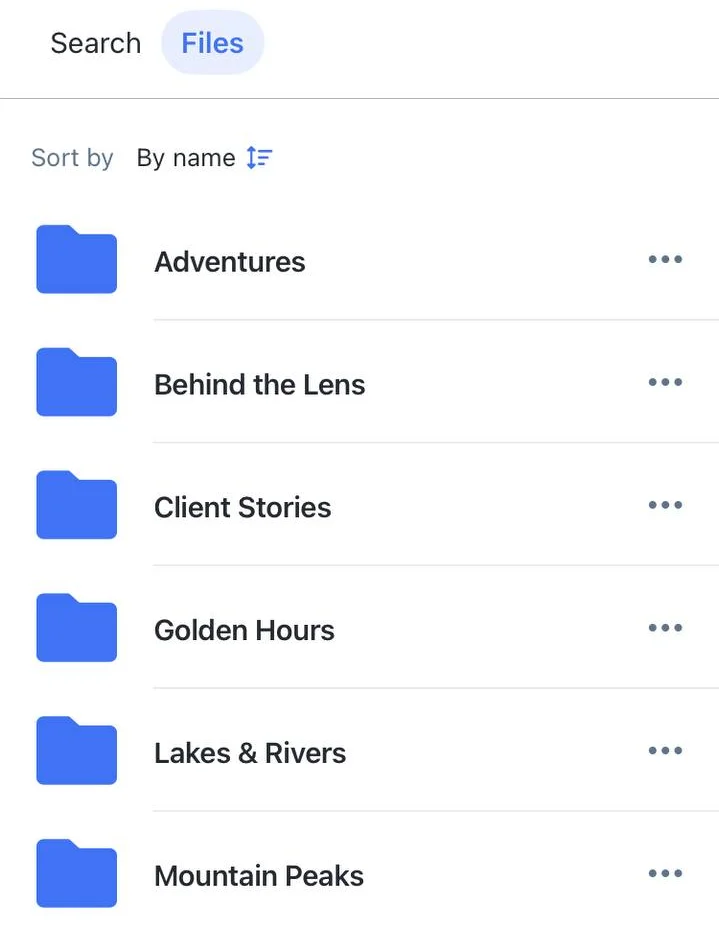
- Folders are listed first, then files sorted by name
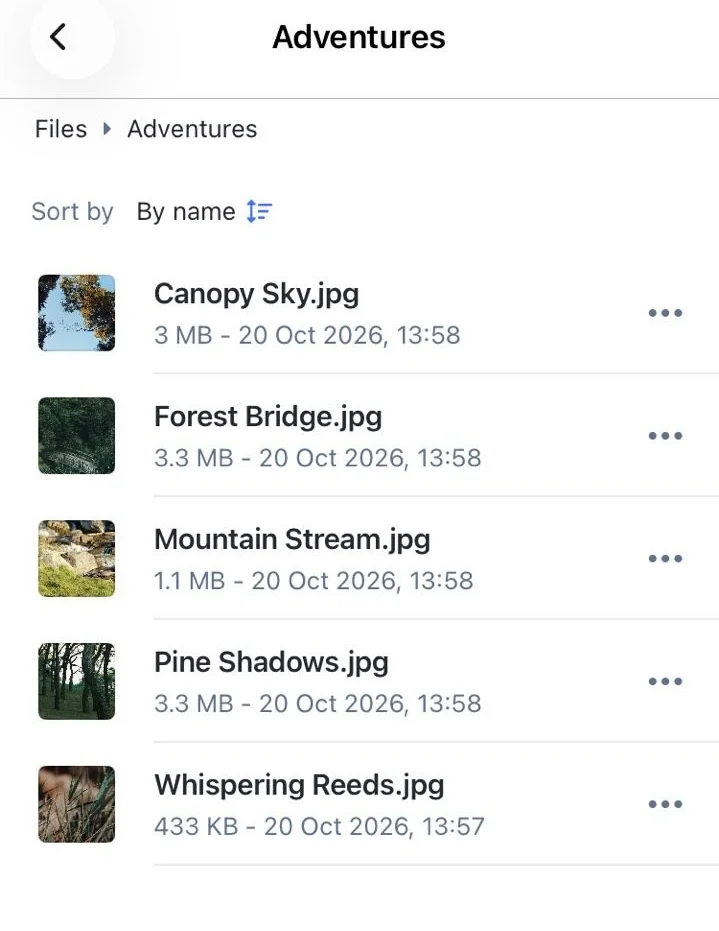
- Previews for supported file types, and clear type icons for everything else
- File versions: earlier versions of a file are kept, with no time limit
Find files
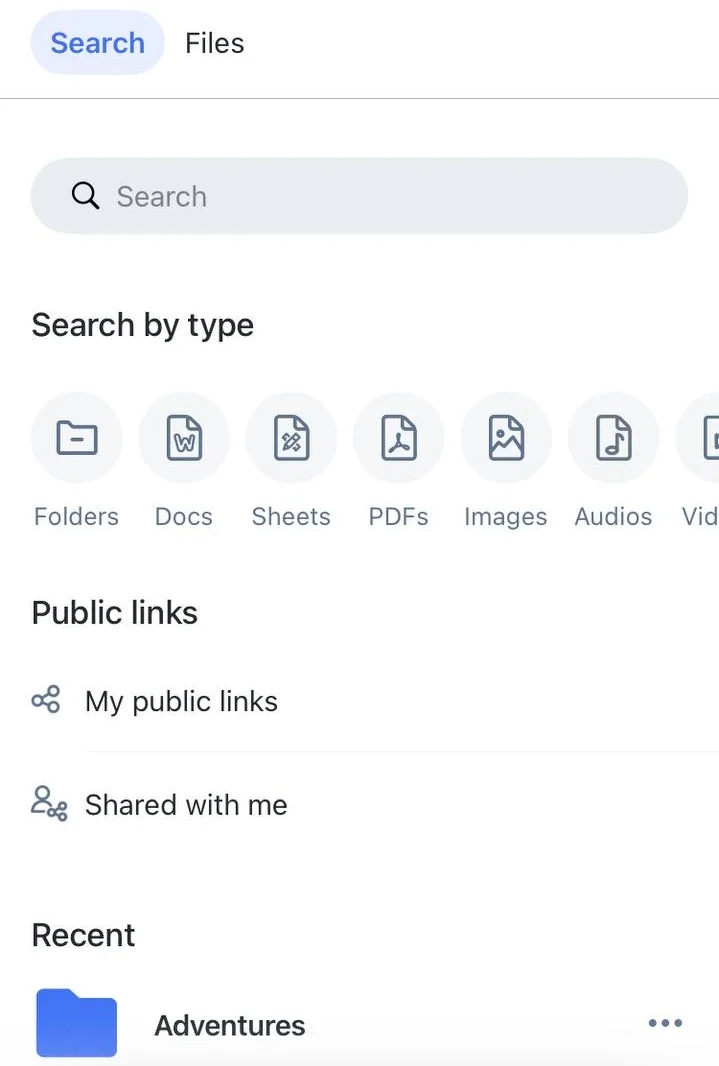
- Search by name across all files and folders
- Filter by type: folders, documents, spreadsheets, PDF, images, audio, video, e-books and archives
- Recently opened: files the user opened in the last 30 days
Scan documents
- Document scanner: scan paper documents with the phone camera and save them to Files as PDF
- The same scanner works in Document Wallet
Listen and read
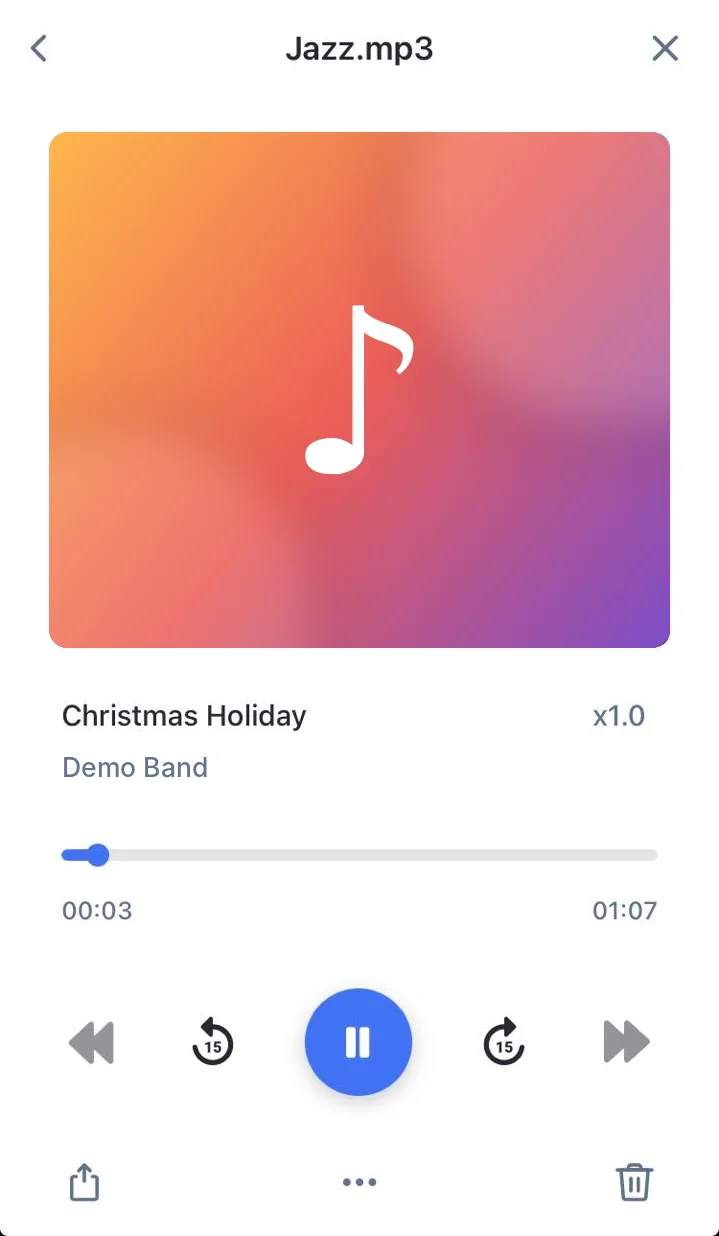
- Audio player with a mini-player, controls on the lock screen and in notifications, and Dynamic Island on iOS. Music keeps playing in the background while the user works in the app
- Shows the track name, artist, duration and album cover
- Skip between the audio files in the current folder
- E-books open right in the app
Share
- Public links to files and folders, with editing
- My public links: files and folders the user has shared
- Shared with me: files other people have shared with the user
Trash
In the web app, deleted files go to the trash first and stay there for 30 days by default, so users can restore them. The period can be changed for your project. Files in the trash don't count toward the user's storage quota.
These features are available in Cloudike branded apps. To add file features to your own app, see the Files SDK for iOS and Android.