Security, Settings & Tools
Beyond storage, Cloudike branded apps include tools that help your users keep their phones tidy, move their data in, and keep their accounts secure.
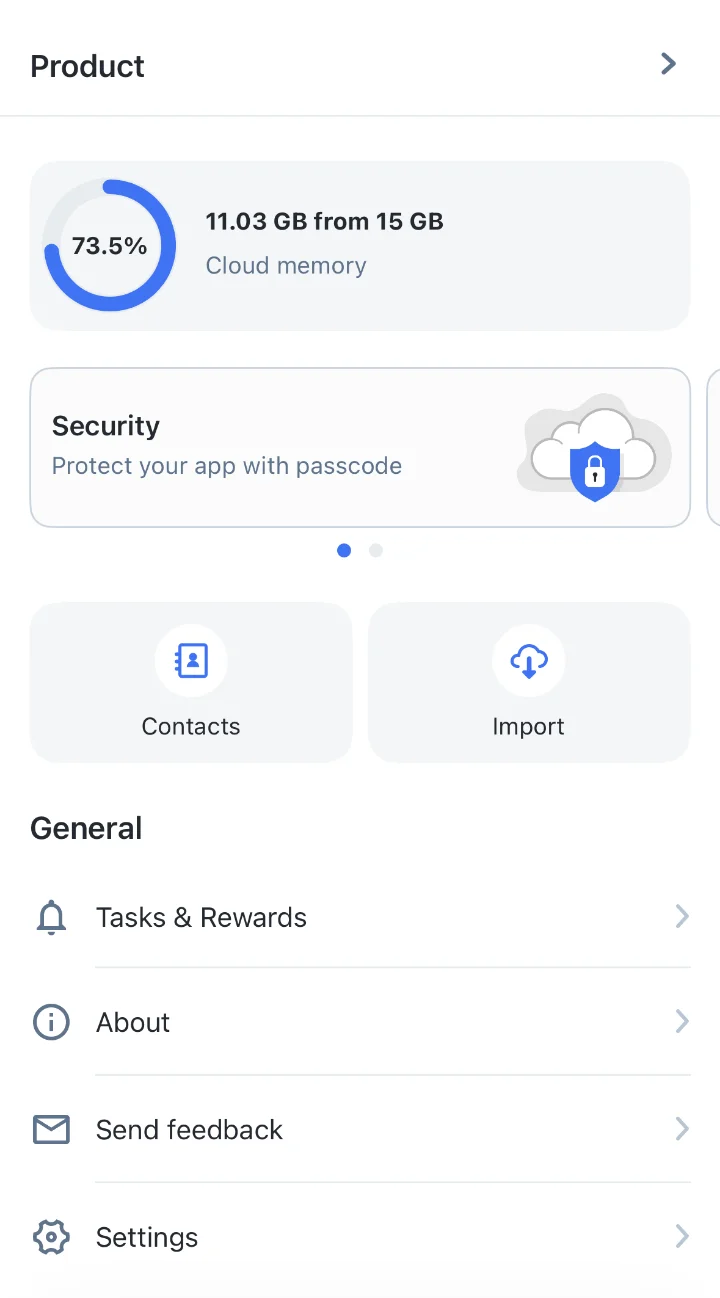
Tools
- Import from other clouds: move files from Google Drive and Dropbox into Files
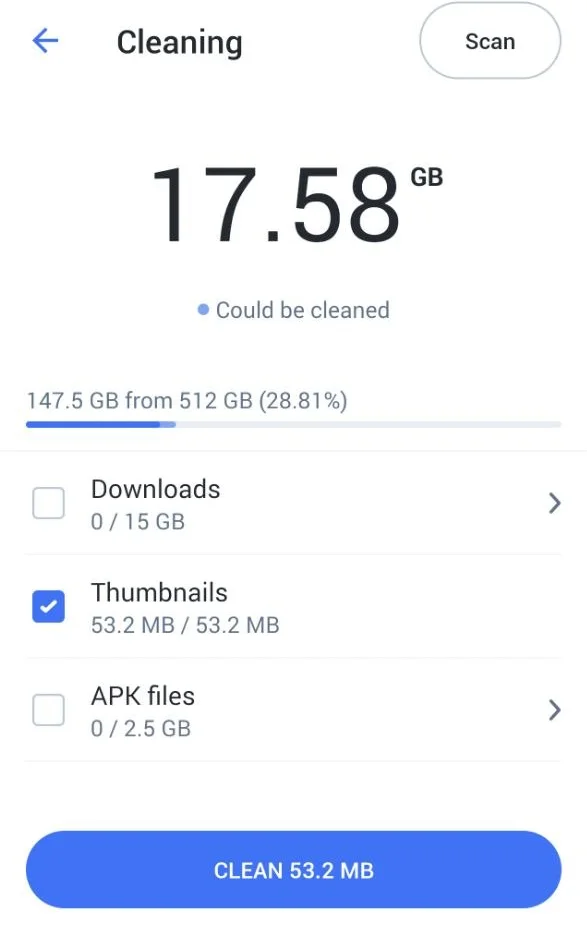
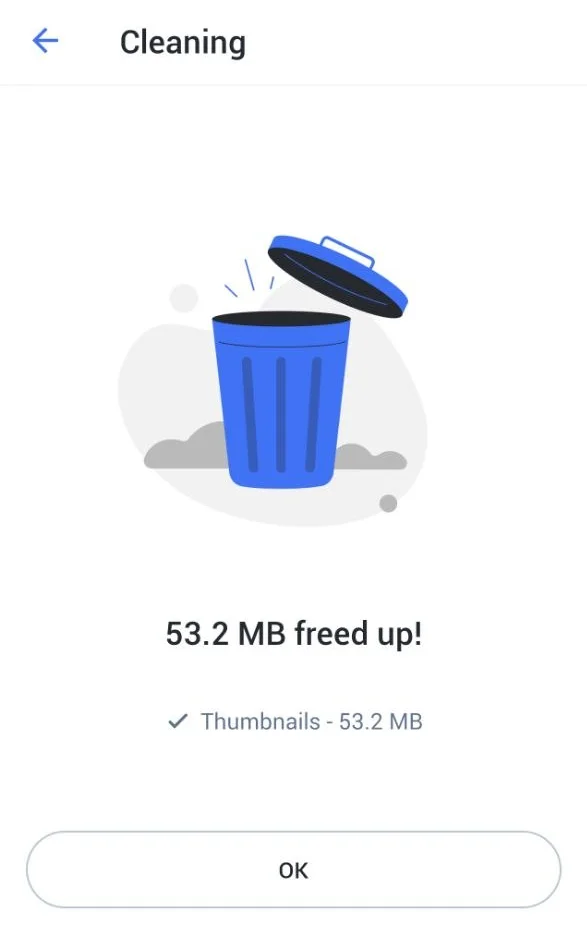
- Device cleaning (Android): free up space on the phone by removing downloads, thumbnails, APK files and other unneeded files. Users choose what to remove, and if something isn't backed up to the cloud yet, the app warns them first. Afterwards, users see how much space they freed
Security
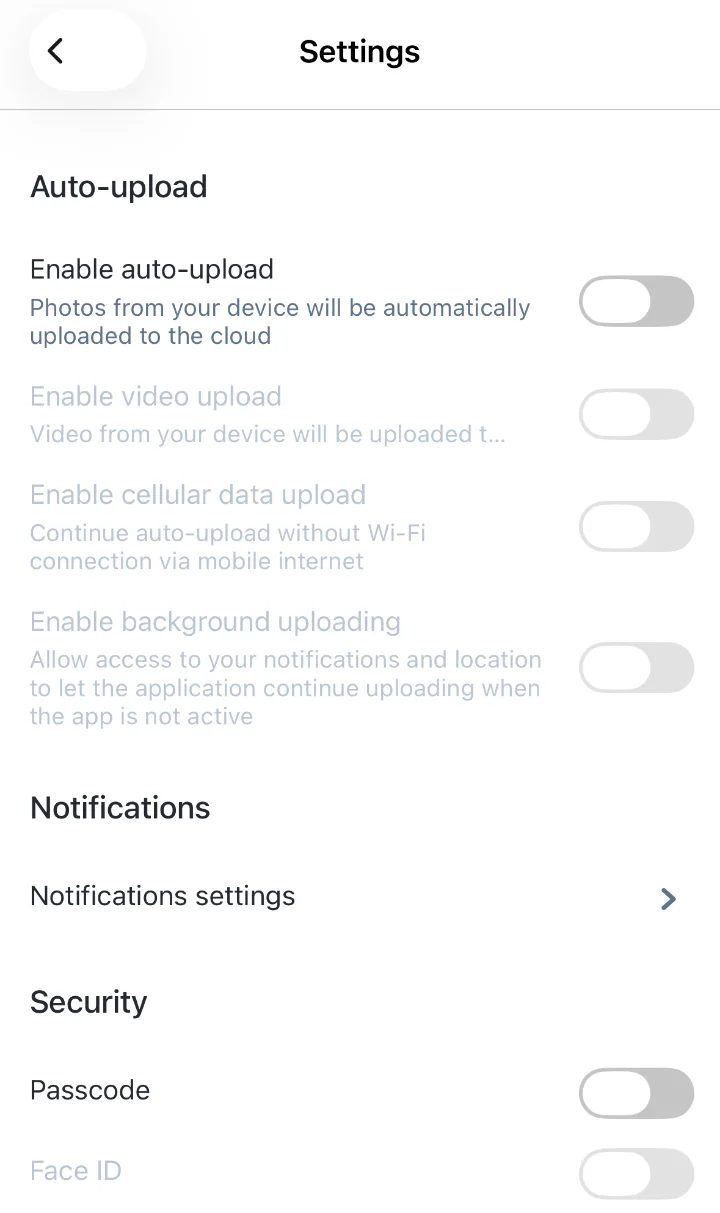
- App lock in the mobile apps: users can protect the app with a passcode and unlock it with Face ID or Touch ID on iOS and with biometrics on Android. App lock is off by default, and biometric unlock is available once a passcode is set.
- Sign-out after failed attempts: after five wrong passcodes in a row, the user is signed out of the app.
- Account security settings on mobile and web
- List of active sessions in the security settings
Personalization
- Light and dark color themes on iOS, Android and Web
- App language: users choose the language in the settings, and the choice is saved to their account. Your apps come in the languages you need — see Localization (Lokalise)
- Notifications: push notifications, with settings that let users choose what they receive. SMS notifications can be added through your own SMS gateway — a natural fit for telecom operators
Account and support
- Profile: name, photo, password
- Storage overview: how much space is used, in total and by file type
- Account deletion on iOS and the web
- FAQ, feedback and idea suggestions inside the app. Feedback and ideas are sent to the Cloudike team
- App store reviews: the app asks satisfied users to rate it in the App Store and Google Play using the stores' built-in review prompts
These features are available in Cloudike branded apps.