Photos & Videos
Your users' photos and videos are uploaded to the cloud automatically and stay organized, searchable and easy to share — on their phones and on the web.
Unless marked otherwise, the features below are available in Cloudike branded apps for iOS, Android and Web. Auto upload and push notifications are mobile only.
Upload and back up
| Feature | What it does | iOS | Android | Web |
|---|---|---|---|---|
| Auto upload | Photos and videos from the phone are uploaded to the cloud in the background, including Live Photos on iOS and motion photos on Android | ✓ | ✓ | — |
| Manual upload | Users choose photos to upload from their device | ✓ | ✓ | ✓ |
Gallery
| Feature | What it does | iOS | Android | Web |
|---|---|---|---|---|
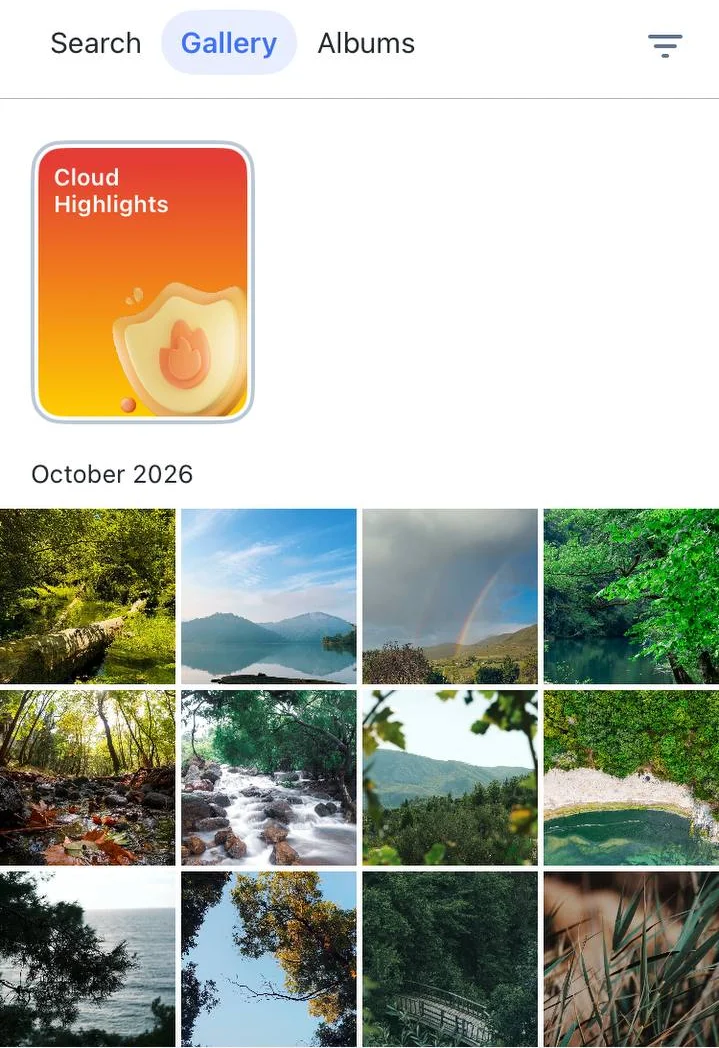
| Gallery | All photos and videos sorted by date. In the mobile apps, the gallery also shows photos on the phone that are not uploaded yet | ✓ | ✓ | ✓ |
| Grouping and filters | Group by day, month or year. Filter by all, uploaded, not uploaded, favorites, photos or videos. Uploaded and not uploaded filters are in the mobile apps | ✓ | ✓ | ✓ |
| Favorites | Mark the best shots for quick access, in the personal and the family cloud | ✓ | ✓ | ✓ |
| Screenshots | Screenshots are collected in a separate view | ✓ | ✓ | ✓ |
Albums
| Feature | What it does | iOS | Android | Web |
|---|---|---|---|---|
| Albums | Create, rename and delete albums, change the cover, add photos from the gallery or from the device, view an album as a slideshow | ✓ | ✓ | ✓ |
| Copy to Family Cloud | Copy photos from a personal album to the family cloud. See Family Cloud | ✓ | ✓ | ✓ |
| Masked albums | Hide an album's photos from the gallery to keep it tidy. The photos stay in the album and in search, and the album can be unmasked at any time | ✓ | ✓ | ✓ |
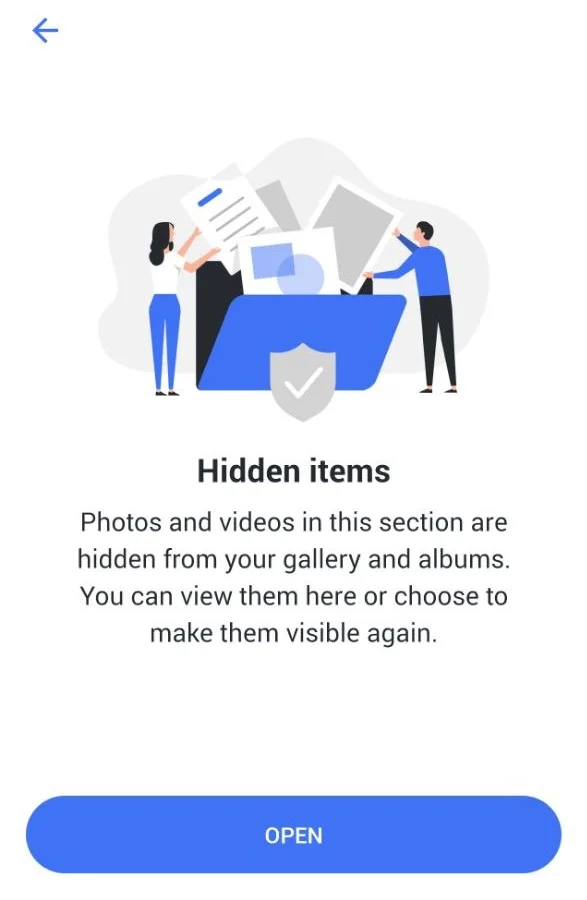
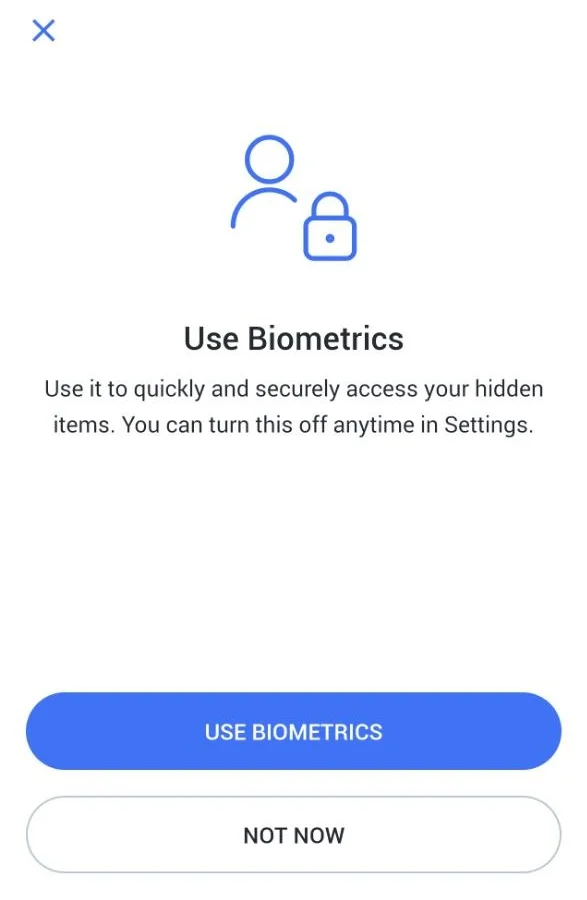
| Hidden | Move photos and albums to a private space locked with the app passcode or biometrics. They disappear from the gallery, albums and search and are shown only in the private space. Hidden photos are not deleted, can be moved back at any time and use the same storage quota | — | ✓ | — |
Masked or hidden? A masked album only hides photos from the gallery. Hidden photos are removed from everywhere and kept in a separate private space locked with the app passcode or biometrics — see Security.
Relive moments
Cloudike builds albums and stories from your users' photos automatically.
| Feature | What it does | iOS | Android | Web |
|---|---|---|---|---|
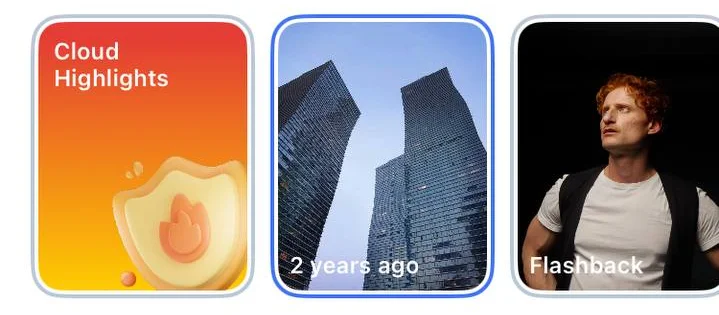
| Flashbacks | Stories in the gallery with the best photos taken on this day or this week one, two or more years ago, and stories built around Moments. Users can turn a flashback into an album or add its photos to an existing one. Available in the personal and the family cloud | ✓ | ✓ | ✓ |
| Memories | Themed slideshows built from uploaded photos. In the mobile apps, users can save a slideshow as a video to the cloud | ✓ | ✓ | ✓ |
| Moments | AI recognizes up to five objects in each uploaded photo, for example a dog, and groups photos with the same object into albums | ✓ | ✓ | ✓ |
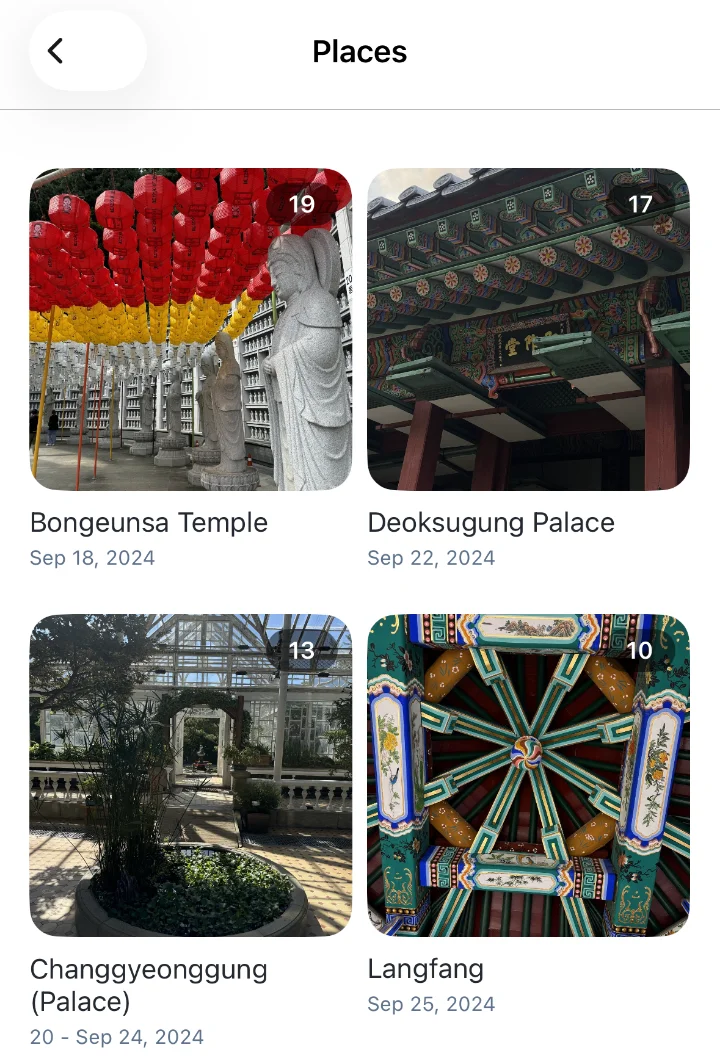
| Places | Albums of photos grouped by location, shown in Albums and in Search | ✓ | ✓ | ✓ |
| Seasons | An album with the photos and videos of the past season, for example winter | ✓ | ✓ | ✓ |
| Reminders | Push notifications about new flashbacks and season albums bring users back to the app | ✓ | ✓ | — |
| Cloud Highlights | Short onboarding stories in the gallery that show new users what the app can do, with a shortcut to auto upload settings | ✓ | ✓ | — |
Moments, search by faces and similar photos are AI features — see AI Features.
Create and edit
| Feature | What it does | iOS | Android | Web |
|---|---|---|---|---|
| Photo editing | Basic photo editing in the mobile apps; a wider set of adjustments on the web | ✓ | ✓ | ✓ |
| Video editor | Create a video from 1 to 30 photos with effects, music and a choice of output format | ✓ | ✓ | — |
| AI Eraser and AI Remaster | Remove unwanted objects and improve photo quality. See AI Features | ✓ | ✓ | ✓ |
On iOS, the video editor works with photos already uploaded to the cloud. On Android, it also works with photos that are only on the phone.
Find
| Feature | What it does | iOS | Android | Web |
|---|---|---|---|---|
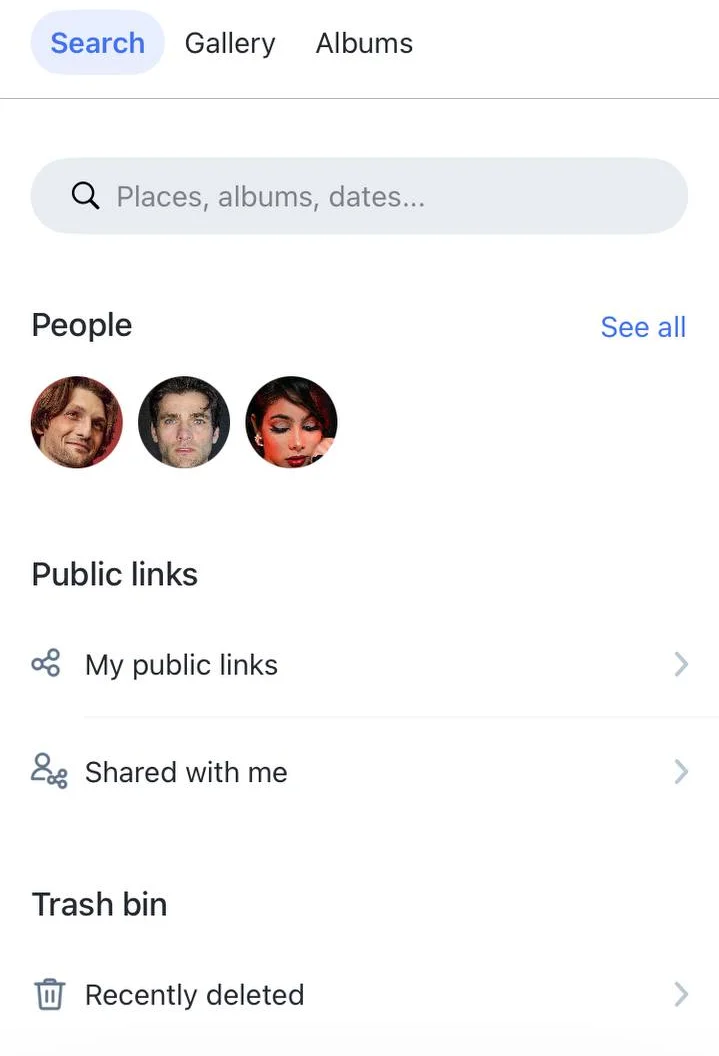
| Search | One place to reach people, places, public links and recently deleted photos | ✓ | ✓ | ✓ |
| Search by faces | Photos grouped by the faces in them, so users can find every photo of a person. Photos only | ✓ | ✓ | ✓ |
| Similar photos | Find photos that look like the one open on the screen | ✓ | ✓ | ✓ |
Share
| Feature | What it does | iOS | Android | Web |
|---|---|---|---|---|
| Public links | Share a photo or an album by link; edit or delete the link at any time | ✓ | ✓ | ✓ |
| My public links | Everything the user has shared | ✓ | ✓ | ✓ |
| Shared with me | Everything other people have shared with the user | ✓ | ✓ | ✓ |
| Download to device | Save photos from the cloud to the phone or computer | ✓ | ✓ | ✓ |
Trash
Deleted photos and videos go to Recently deleted first and stay there for 30 days by default, so users can restore them. The period can be changed for your project. Items in the trash don't count toward the user's storage quota.
- Delete removes a photo from the album and the gallery and moves it to the trash.
- Remove from album takes a photo out of an album only. The photo stays in the gallery.
- Restored photos return to the gallery.
How it works
Smart albums, flashbacks and search by faces are built automatically, so there is nothing to run on your side. Location data is used only if the user allows it. See Privacy.
These features are available in Cloudike branded apps. To add photo features to your own app, see the Photos SDK for iOS and Android.